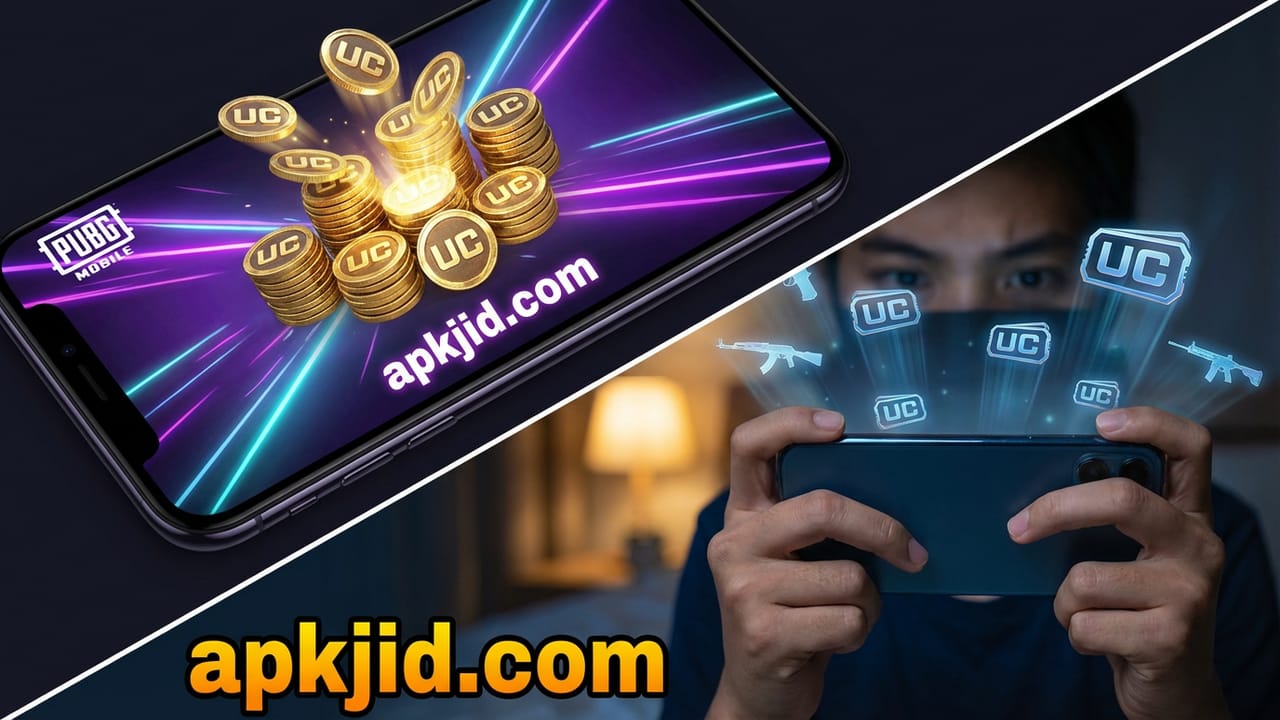
If you’ve been playing BGMI or PUBG Mobile even for a few months, you already know how quickly the game pulls you into the world of skins, gun finishes, outfits, and of course—Royale Pass. And honestly, the moment you realize you need UC for almost everything cool in the game, you start Googling the same question every Indian gamer does: “What’s the safest way to top-up PUBG UC online?”
I remember when I first started buying UC back in school. I was super confused because different websites showed different prices, some offered “extra UC,” and a few random sites claimed to give “free UC.” And being a clueless teen at that time, I actually believed some of them—don’t judge me. 😅 Luckily, I never entered my account password anywhere unsafe, but a friend of mine literally lost his main ID because he trusted the wrong website. That’s when I promised myself I’d only use official or verified platforms.
As PUBG Mobile and BGMI kept growing in 2025, more top-up platforms appeared, but so did scams. So today, instead of you going through the trial-and-error phase like many of us did, I’m breaking down everything clearly. In this guide, I’ll show you the most trusted, safest, and beginner-friendly ways to top-up UC, explain the price difference between BGMI and PUBG Mobile Global, and share updated UC rates in INR, USD, and PKR.
This is basically the guide I wish someone had written for me when I was still figuring it all out.
Let’s get into it.
Table of Contents
-
Why UC Matters in PUBG Mobile and BGMI
-
Most Trusted Ways to Top-Up PUBG UC Online
-
-
In-App Purchase (Google Play / Apple App Store)
-
-
-
Midasbuy Official Store
-
-
-
Codashop
-
-
-
Razer Gold
-
-
-
Direct Carrier Billing (DCB)
-
-
-
Google Play, iTunes & Gift Cards
-
-
-
Full UC Top-Up Comparison Table (Global + BGMI + Prices)
-
Pro Tips for Safe UC Purchases
-
Important Warnings (Avoid UC Scams)
-
Frequently Asked Questions (FAQ)
-
Conclusion
Why UC Matters in PUBG Mobile and BGMI
If you’re new to the game, UC (Unknown Cash) might feel like “just another currency,” but every player eventually realizes how powerful it actually is. UC lets you unlock things that are simply impossible through regular gameplay.
Here’s what UC helps you unlock:
-
Royale Pass & Elite Pass upgrades
-
Premium mythic skins & legendary outfits
-
High-tier emotes and character styles
-
Gun skins, vehicle skins, ornament items
-
Crate spins, lucky draws, and seasonal events
In 2025, PUBG introduced eye-catching animation effects, upgraded sound profiles, elimination broadcasts, and rare finish animations that honestly make the game feel more immersive. That’s why most players—including me—consider UC a solid investment if you love customising your gameplay.
Most Trusted Ways to Top-Up PUBG UC Online
I’ve listed the safest and most recognized UC top-up methods below. These are personally tested by millions of players, including me, and followed by almost every BGMI/PUBG guide out there.
Official Trusted Platforms:
-
Google Play Store (Android)
-
Apple App Store (iOS)
-
Midasbuy (Official Partner)
-
Codashop
-
Razer Gold
-
Direct Carrier Billing (DCB)
-
Official PUBG Gift Cards
Let’s break them down one by one.
1. In-App Purchase (Google Play / Apple App Store)
Difficulty: Super easy
Approval: 100% official
Best for: Beginners or players who want instant UC
This is the simplest and safest way to buy UC. All you do is go inside the game and purchase directly through your linked Google Play or Apple account.
How to Top-Up UC Through the App
-
Open PUBG Mobile or BGMI
-
Go to the UC Shop
-
Select your UC package
-
Choose your payment method (UPI, debit/credit card, wallet, etc.)
-
Confirm your purchase
Personal tip: I mostly use Google Pay or UPI, because it’s quick and the transaction reflects instantly.
Pros
-
Instant UC delivery
-
Supports UPI and popular Indian payment apps
-
Zero risk since it’s directly linked to Google/Apple
Cons
-
Prices may be slightly higher
-
Regional tax differences can change total cost
2. Midasbuy Official Store
Difficulty: Extremely easy
Trusted score: 10/10
Best for: Discounts, events, and bonus UC
If you’ve been in the gaming community for a while, you know Midasbuy is almost like a household name for UC top-ups. It’s an official partner, and some regions even get extra UC or bonus points during events.
I personally use Midasbuy the most because of the occasional cashback deals—they genuinely help when you’re saving up for big mythic spins.
How to Use Midasbuy
-
Go to the official Midasbuy website
-
Select BGMI or PUBG Mobile
-
Enter your Player ID
-
Choose your UC pack
-
Pay using the supported methods
Pros
-
Often gives bonus UC
-
100% secure (official partner)
-
Smooth and beginner-friendly
Cons
-
Not available in some countries
3. Codashop
Difficulty: Easy
Trusted score: 9.5/10
Codashop is another giant in the gaming top-up space. I think almost every Indian gamer has used it at least once—for Free Fire, MLBB, or PUBG.
How It Works
-
Open Codashop
-
Choose PUBG Mobile or BGMI
-
Enter your Player ID
-
Pick your UC amount
-
Pay through UPI/wallet/card/etc.
Pros
-
No login required
-
Supports UPI, Paytm, PhonePe, wallets
-
Fast and reliable
Cons
-
Bonus UC is rare
4. Razer Gold
Difficulty: Slightly moderate
Trusted worldwide
Razer Gold is a global platform that supports hundreds of games. Many players who regularly top-up different games prefer this because of the cross-rewards system.
Pros
-
Global availability
-
Cashback rewards
-
Secure and professional platform
Cons
-
Requires creating a Razer account
-
PUBG UC not supported in every region
5. Direct Carrier Billing (DCB)
This method allows you to pay directly through your SIM balance. It’s super useful for students or players who don’t use cards or UPI.
Pros
-
No need for bank account
-
Instant activation
-
Very beginner-friendly
Cons
-
Slightly higher service charges
-
Not available for all networks
6. Google Play, iTunes & Gift Cards
For players who don’t want to link their primary bank account—or if you’re planning to surprise a friend—gift cards are seriously the best option.
Why Players Prefer Gift Cards
-
Safe and private
-
No bank linking
-
Great gifting option
I once gifted my cousin a ₹500 Play Store card on his birthday because he desperately wanted to upgrade to Elite Pass. Watching his reaction was honestly priceless.
Full UC Top-Up Comparison Table (Global + BGMI + Pricing)
These prices are based on BGMI’s official India rates (2025) and globally used PUBG Mobile UC values.
| UC Package | BGMI Price (INR) | Global Price (USD) | Approx. PKR | Notes |
|---|---|---|---|---|
| 60 UC | ₹75 | $0.99 | PKR 280 | Entry-level pack |
| 300 UC | ₹380 | $4.99 | PKR 1,400 | Good for small purchases |
| 600 UC | ₹750 | $9.99 | PKR 2,800 | Best for event spins |
| 1500 UC | ₹1,850 | $24.99 | PKR 7,200 | Popular for RP |
| 3000 UC | ₹3,900 | $49.99 | PKR 14,500 | Elite Pass combo |
| 6000 UC | ₹7,900 | $99.99 | PKR 29,000 | Ideal for mythic sets |
Note: PKR conversion uses a general 2025 rate of $1 ≈ PKR 280. Real values may vary.
Pro Tips for Safe UC Purchases
Here are a few things I personally follow every single time:
-
Always double-check the website URL
-
Avoid making payments on public WiFi
-
Use official payment methods only
-
Turn on 2-step verification for Google/Apple ID
-
Keep screenshots of successful transactions
Important Warnings (Avoid UC Scams)
Every year, thousands of players lose their accounts because they trust shady websites. I’ve seen this happen to people in my gaming group too.
Avoid websites that:
-
Ask for login passwords
-
Offer 70–90% discounts (totally unrealistic)
-
Claim “free UC,” “unlimited UC,” or “generator tools”
-
Ask for access to your account
If something feels too good to be true, it probably is.
Frequently Asked Questions (FAQ)
1. What is the safest way to top-up PUBG UC?
Official in-app purchases, Midasbuy, Codashop, Google Play, and the Apple App Store are the safest and most trusted.
2. Is it safe to buy UC from third-party websites?
Yes, but only from authorized partners like Codashop, Midasbuy, or Razer Gold.
3. Can UC be obtained for free legally?
No. Any website claiming so is a scam.
4. Why are UC prices different in BGMI and PUBG Global?
Because of differing taxes, app store policies, and regional currency values.
5. Best UC package for Royale Pass?
3000 UC is the most commonly used for Elite Pass upgrades.
6. Can I get a refund after buying UC?
Only Google Play or Apple can process refunds—PUBG cannot.
7. Is carrier billing safe?
Yes, but fees may be slightly higher.
8. Can your account be banned for buying UC?
No, as long as it’s purchased from official/authorized platforms.
Conclusion
Buying UC is honestly a part of the PUBG/BGMI experience now. Whether you want a Mythic outfit, a premium emote, or just want to flex your new skin in the lobby, UC makes it possible. The key is to always use trusted methods so your account stays सुरक्षित (safe) and your money doesn’t go to waste.
In this guide, we explored the best UC top-up methods for 2025—covering Midasbuy, Codashop, Razer Gold, in-app purchases, and more, along with updated prices in INR, USD, and PKR. If you stick to the safe routes, you’ll never have to worry about losing your account or falling for scams.
So go ahead—pick the method that works best for you, top-up your UC, and enjoy the game with full confidence.
Happy gaming, and may your next crate spin finally give you that Mythic you’ve been chasing! ✨🔥